Lenovo IdeaPad Slim 3 Chromebook 14
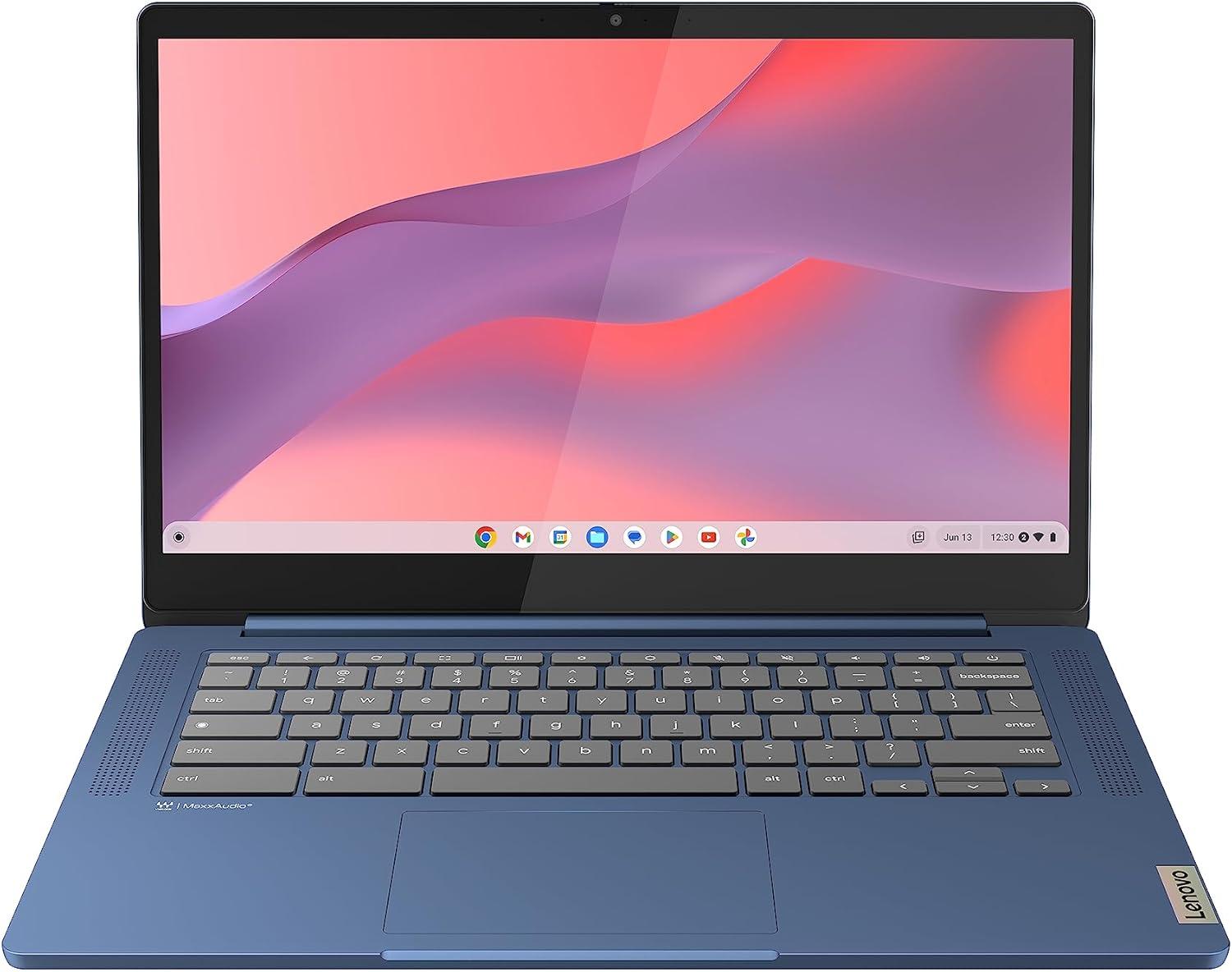
Lenovo IdeaPad Slim 3 Chromebook 14
TechMates Verdict
Ideal for web-first users who want a light, fuss-free laptop for school or home.
Why we recommend it: A great Chromebook for everyday browsing and Google apps, with enough RAM to stay smooth.
Light, simple Chromebook for browsing and Google apps, with a Full HD screen and 8GB RAM for smoother everyday use.
We don't sell this product. When you buy through our link, we may earn a small commission at no extra cost to you.
At a Glance
The standout features that make this product worth considering.
ChromeOS simplicity
Fast start-up, simple menus, and automatic updates.
8GB RAM for multitasking
Helps keep lots of tabs and schoolwork apps running smoothly.
Full HD screen
Sharper than basic HD screens for reading and streaming.
Lightweight
Easy to carry around for school, work, or the sofa.
The Honest Truth
Every product has trade-offs. Here's what we found.
3 pros, 3 things to consider
What We Love
- Simple, secure ChromeOS with quick start-up
- 8GB RAM is great for lots of tabs and everyday multitasking
- Lightweight and easy to carry
Worth Knowing
- Best with web and Android apps rather than full Windows software
- eMMC storage is basic compared with an SSD
- Not designed for heavy creative workloads
Tech Breakdown
We've translated the jargon into plain English. No tech degree required.
The brain
MediaTek Kompanio 520
This is the part that runs your apps and keeps the laptop feeling responsive.
Working space
8GB RAM
More memory helps when you have lots of tabs and apps open at the same time.
File space
128 GB eMMC
This is where your files and apps live. SSD storage helps apps open quickly.
Screen quality
14-inch Full HD (1080p) display
A clear screen makes reading, browsing, and watching video more comfortable.
Time away from plug
Up to 13.5 hours
Battery life changes by task, but this gives a rough guide for daily use.
Operating system
ChromeOS
The operating system is what you use to open apps, browse the web, and manage files.
Carry comfort
1.3 kg
Weight matters most if you carry your laptop often.
Size
14"
This is the measured diagonal size. It helps you choose a model that fits your space and viewing distance.
In plain English
A Chromebook is a great fit if you mainly use web apps like Gmail, Google Docs, YouTube, and online school or work portals. ChromeOS is simple and secure, and this model's 8GB RAM helps it handle lots of tabs better than many budget Chromebooks. You get 128GB of local storage, but many people also use cloud storage with Chromebooks.
Compare Your Options
See how this computers stacks up against others we recommend.
Our Take
If you need Windows-only software, choose a Windows laptop instead. If you want a simple web-first laptop for school and home, this is great value.
Lenovo IdeaPad Slim 3 Chromebook 14
Lenovo IdeaPad Slim 3 Chromebook 14
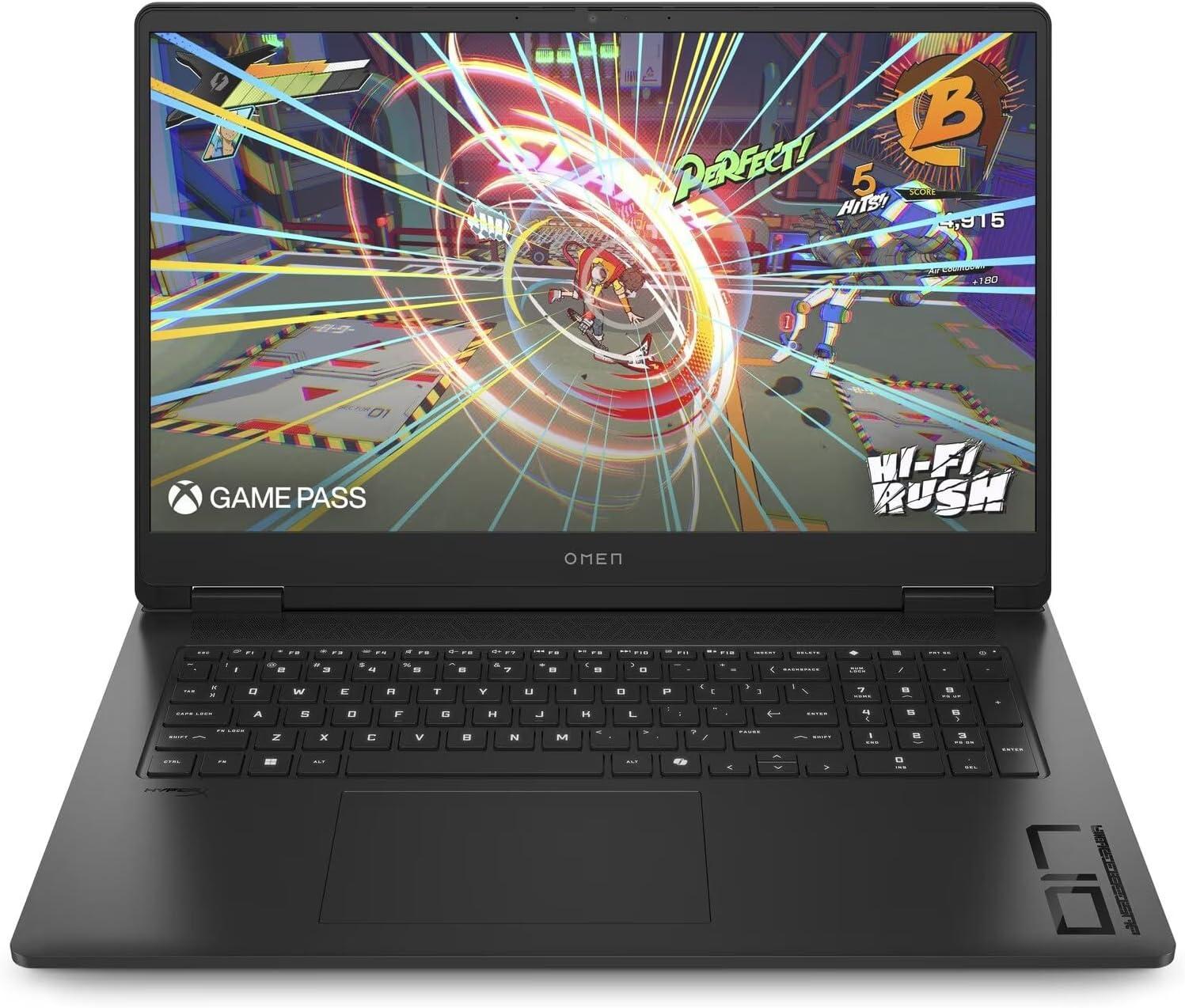
HP Omen 17-db0011na 17.3" Gaming Laptop
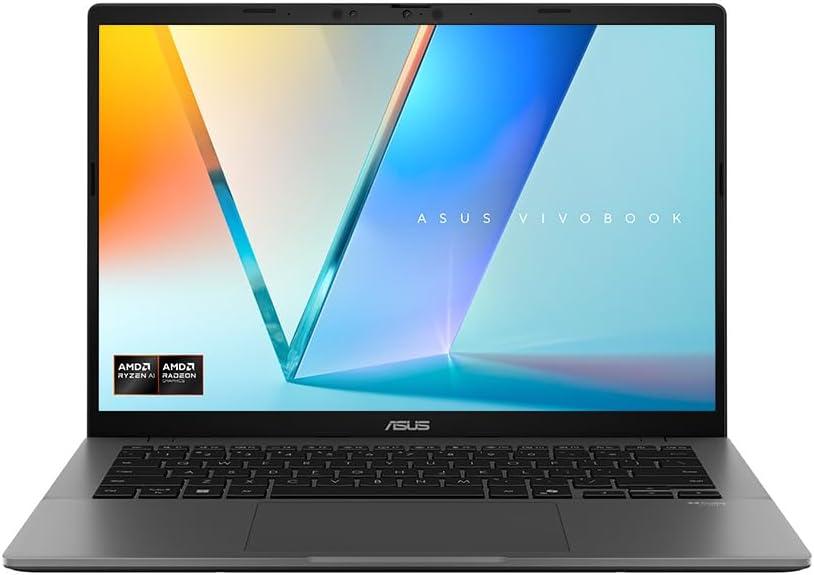
ASUS Vivobook S14 M3407HA Metal Laptop
All products independently reviewed by TechMates.
Common Questions
Answers to the things people ask us most.
Need Help Setting Up?
Our friendly team can set this up for you at home. We'll make sure everything's working perfectly before we leave.
Why Trust TechMates?
Every product is independently reviewed. We test in real-world conditions and only recommend what we'd use ourselves.

Scott Hardy
Tech Guide